



No fix, no fee
Full refund if we cannot resolve your reported issue.
Support with permission
You approve your remote session and stay in control.
Clear next steps
Requests reviewed during business hours. Scope agreed before work.
Practical experience
Computer repair, networking education, and personal service.
How remote support works
- Tell us what is happening. Submit your issue using our contact form. We review requests Monday–Friday, 9 AM–6 PM Eastern.
- Agree on the service. We confirm whether remote support is suitable, explain the scope, and arrange a time. Pay only after we ask you to proceed.
- Approve your session. We send a Zoho Assist invitation. You approve the connection and can end the session at any time.
Practical help for your technology
Choose the service that fits your needs. We review your request and agree the next steps before work begins.

Remote Computer Support
$79 one-time fix
Help with the issue you report: slow computers, software errors, email, printers, connectivity, and malware problems suitable for remote repair.
Small Business IT Support
$199 per month
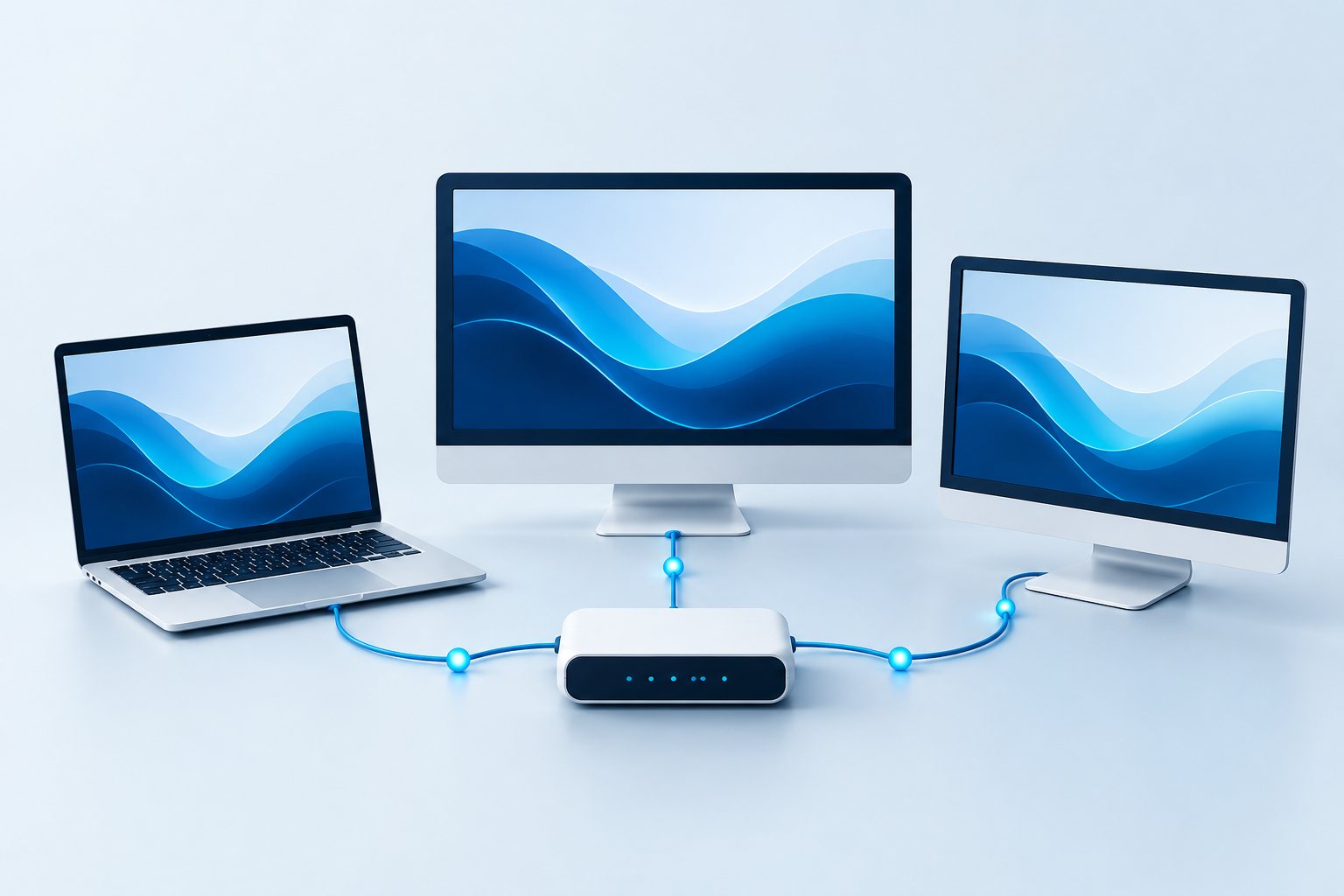
Remote support for up to 3 users and 3 computers, including up to 2 support hours each month during business hours.

Website & Digital Design
Custom project quote
WordPress websites, landing pages, graphics, and branding materials that help your business present itself clearly.
Applicable tax is shown at checkout. Read service, refund and subscription terms.